WhatsApp brings back gradual blur on iPhone: the change that returns to chats
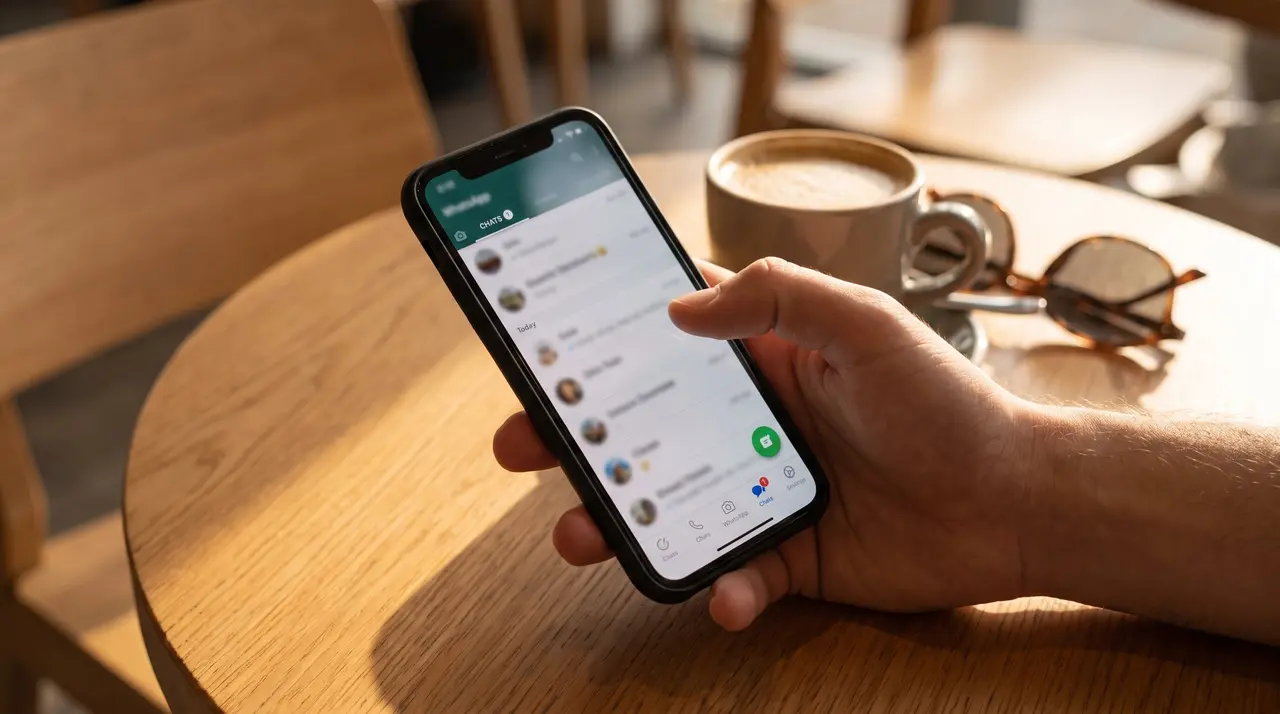

WhatsApp again shows a gradual blur effect on the top bar of iPhone chats. The effect smooths the transition between messages and navigation controls, although its arrival still depends on a progressive rollout. According to WhatsApp and WABetaInfo information collected from the source, the modification appears in beta 26.41.10.18 for iOS distributed via TestFlight, an Apple platform for testing apps before general release.
What changes in WhatsApp chats
How does the new effect look?
The change appears at the top of conversations. When someone scrolls to review previous messages, the content does not hit a rigid line: messages gradually blur as they pass under the navigation bar.
The wallpaper, chat bubbles, and other chat elements remain partially visible during that transition. Put simply, the conversation seems to continue beneath the bar, instead of being separated by a clearly marked border.
The effect recalls an appearance associated with the Liquid Glass design, Apple’s visual proposal based on translucent surfaces and smooth transitions. WhatsApp is not changing the way messages are sent nor adding a new communication feature. The change is visual, but you notice it every time the user scrolls through a long conversation.
That is the key. A decision that might seem minor changes the feeling of continuity in an app that many people check several times a day. The top bar stops imposing itself over the content and returns prominence to the messages.
Which areas of the app receive the blur
The modification is limited to the chats screen. The settings, calls, and updates sections retain iOS 27’s default behavior, so it cannot be considered a complete redesign of WhatsApp.
This limitation helps identify what the company is testing. It is not an effect applied to the entire app, but a specific choice for conversations. If the blur only appears when opening a chat, the behavior matches what is described in the source.
WhatsApp has also not confirmed whether it will extend it to other sections. For now, the difference is concentrated where it is most noticeable: in vertical scrolling through messages and in the visual encounter between the conversation and the top controls.
- Chats: show the gradual transition under the top bar.
- Settings: maintain the default behavior of iOS 27.
- Calls: are not included in this modification.
- Updates: also do not receive the effect according to available information.
Why WhatsApp recovers this design
What happened after iOS 27 arrived?
The answer lies in a previous appearance change. In beta 26.25.10.16, WhatsApp had introduced a Liquid Glass adaptation in the conversations interface. At that time, the gradient under the top bar allowed messages to be progressively hidden during scrolling.
Later, Apple adjusted the standard behavior of navigation bars with iOS 27. The system began applying a more defined separation between top controls and app content. WhatsApp initially adopted this criterion and the line between the bar and messages became more evident.
For those already accustomed to the previous style, the difference was immediate. According to WABetaInfo, comments appeared on social networks demanding the return of a smoother transition. The reaction was not related to privacy, calls, or messaging features, but to how the interface was perceived.
The detail matters because the user does not experience an app only through its functions. They also notice if a screen feels continuous, abrupt, clean, or fragmented. In this case, WhatsApp seems to respond to a specific visual preference of those who tried the beta versions.
The iOS option that allows recovering the effect
WhatsApp does not need to alter the operating system to recover the blur. iOS 27 allows developers to explicitly choose a smooth edge effect for navigation bars, even when the system’s general setting favors a more marked division.
A developer is, in this context, the team that creates and maintains the app. The system option allows them to partially depart from the default visual behavior and define how controls relate to the content appearing underneath.
WhatsApp has used this possibility only within chats. The decision represents an interface customization against Apple’s general criteria and explains why the change can be seen in one section while the others remain unmodified.
It is not a hidden function in a menu. Activation depends on the available version and the distribution made by the company. That is why two people with an iPhone and a similar WhatsApp version may observe different behaviors during the rollout.
Who can see it and what to do if it doesn’t appear
How to check if the blur is already active?
The check is done inside a conversation by scrolling the screen to review previous messages. The main indicator is that content disappears gradually under the top bar, without a defined line sharply separating messages from controls.
- Open WhatsApp on the iPhone.
- Enter any chat and scroll toward previous messages.
- Observe the area under the top navigation bar.
- Check if messages, background, or bubbles become partially blurry before being hidden.
- Review other areas, such as Settings, Calls, and Updates, to confirm the change is limited to conversations.
You are seeing the effect if the transition is gradual and there is no rigid border. If the bar maintains a marked separation, that does not mean the iPhone has a problem: it may simply mean the activation has not yet reached that account or installation.
What happens if you still don’t see it
The feature is gradually distributed among users with beta access via TestFlight. Some testers can already see it, while others keep the bar with the defined border. The source also indicates compatibility with the latest version available in the App Store, although activation depends on a staggered implementation from WhatsApp’s servers.
A server is the computer system that manages the distribution of changes and remote services. In this case, updating the app may not be enough to immediately receive the effect because WhatsApp decides when to enable it for each group of users.
- Sign that you already have it: the chat shows a smooth fade under the top bar.
- Sign that you don’t have it yet: a sharp division appears between the controls and messages.
- What to do: keep WhatsApp updated and wait for a new phase of the rollout.
- What cannot be confirmed: WhatsApp has not announced a date for the effect to reach all iPhone users.
The source does not describe a manual setting to force activation. Therefore, it is not advisable to install external profiles or look for hidden options promising to enable it. The change depends on WhatsApp’s official distribution and the availability of the corresponding version.
The difference between beta 26.25.10.16 and beta 26.41.10.18 shows the visual evolution of the experiment: first came the aesthetic adaptation of Liquid Glass and later the gradual blur returned after the more defined border adopted with iOS 27. Its scope, however, remains limited to chats.
WhatsApp thus recovers a detail that many users missed, but it should not be confused with a security update or a new messaging tool. It is a visual adjustment in testing, distributed in phases and still without an announced date for all iPhones.
The reality is that the change only requires observing chats, keeping WhatsApp updated and waiting if activation has not yet appeared. The gradual blur improves the visual continuity of conversations, while iOS 27 maintains its more marked behavior in other areas. If the bar remains separated, there is no indication in the source of a malfunction: most likely the account is not yet part of the rollout.
Frequently Asked Questions
- What is WhatsApp’s gradual blur on iPhone?
- It is a visual effect that progressively blurs messages as they pass under the top navigation bar. This reduces the sharp separation between the conversation and controls.
- In what version does the change appear?
- The source places it in beta 26.41.10.18 for iOS distributed via TestFlight. It also notes compatibility with the latest version available on the App Store, with gradual activation.
- Can I activate the blur from settings?
- Available information does not describe any manual setting to activate it. WhatsApp distributes it in phases, so its appearance depends on official implementation.
- Does the effect work throughout the app?
- No. For now, it is limited to the chats screen. The settings, calls, and updates sections maintain iOS 27’s default behavior.